
HP Managed Printer Services for Business Printer Fleets
Keep Your HP Printer Fleet Available, Organized and Ready for Business
We help small, medium and large businesses manage existing HP printer fleets across departments, floors, offices and multiple locations. Our focus is fleet visibility, printer availability, downtime reduction, consumables coordination and day-to-day business printer management.
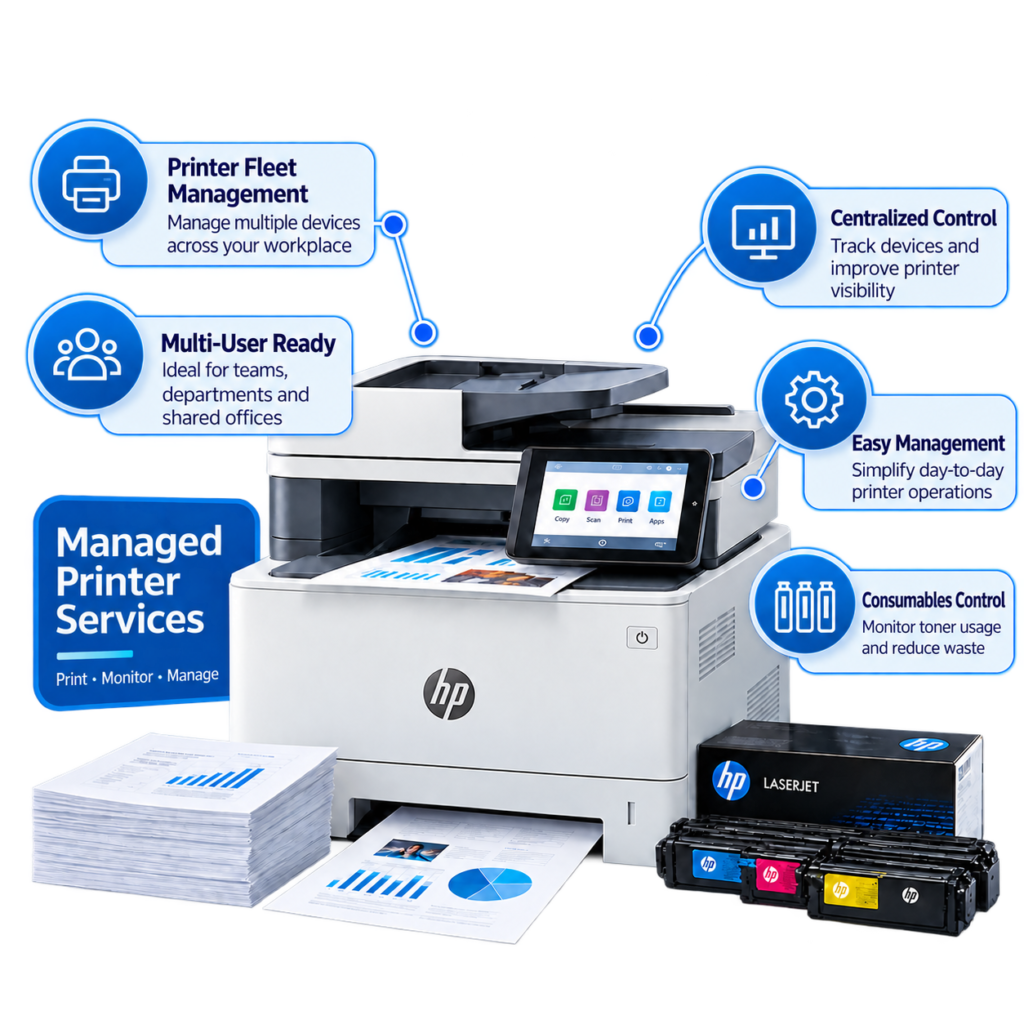
Built for Businesses Already Operating HP Printers
This service is designed for organizations where HP printers are part of everyday workplace infrastructure—not residential or retail printer use.
Small & Medium Business
Structured management for growing printer fleets across departments and shared workspaces.
Large Enterprises
Centralized visibility and consistent printer processes across larger business environments.
Multi-Location Companies
A coordinated approach for HP printers distributed across branches, offices and business sites.
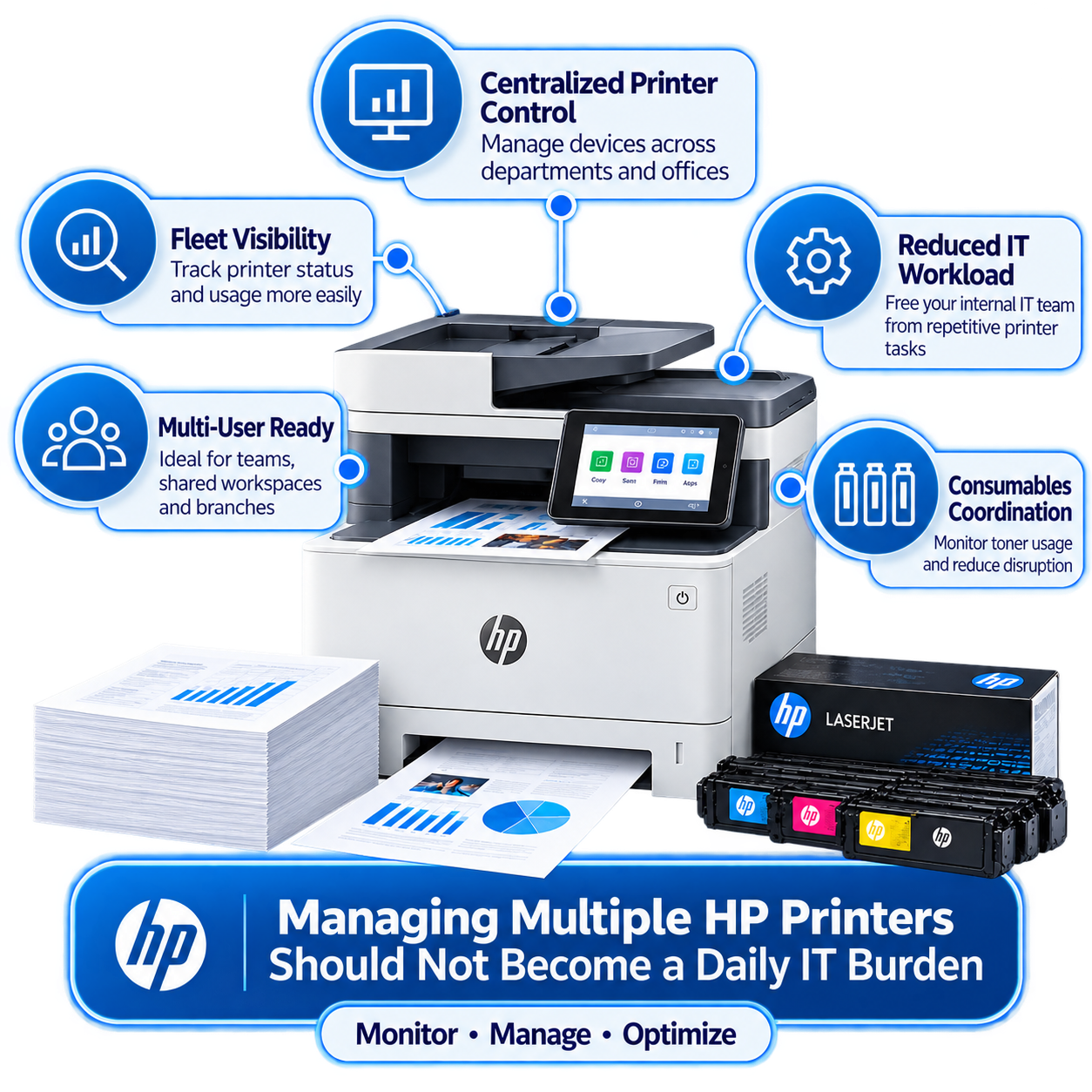
Managing Multiple HP Printers Should Not Become a Daily IT Burden
As businesses grow, printers are added across accounts, HR, reception, administration, operations and other departments. Without a centralized process, repeated printer interruptions can consume employee and IT time.
- Repeated printer downtime
- Printers becoming unavailable
- Unexpected toner requirements
- Internal IT receiving repeated printer requests
- Different processes across multiple locations
Complete HP Managed Printer Services
Our managed approach covers the operational areas businesses need to keep an existing HP printer environment organized and available.
HP Printer Fleet Management
Manage HP printers as one organized business fleet rather than separate individual devices.
Printer Availability Management
Maintain better day-to-day device availability and reduce avoidable business interruptions.
Toner & Consumables Coordination
Create a more organized process for toner and consumable requirements.
Device Performance Monitoring
Identify recurring device patterns and availability issues affecting employees.
Multi-Office Printer Management
Coordinate printer management across branches, offices and business locations.
Employee Printer Assistance
Give business users clear remote guidance when common printer availability issues occur.
Already Have an HP Printer Fleet?
That is exactly the environment this service is built around. Your business may already use HP LaserJet printers, Color LaserJet devices, multifunction printers, network printers, department printers and shared office printers.
We can organize devices by:
- Office or branch
- Floor or department
- Business team
- Location
- Device type and model
HP Printer Offline? Priority Response for Business Customers
An HP printer offline message can appear even when the printer is switched on, paper and toner are available, and there is no obvious physical failure. For a business, the result can be immediate workflow interruption.
Priority Business Response
Offline incidents can interrupt invoices, contracts, dispatch paperwork and time-sensitive business workflows.
Fast Remote Guidance
Many common offline situations can be addressed through quick guided checks over chat or phone.
Business Continuity Focus
The objective is to restore printer availability quickly and minimize employee downtime.
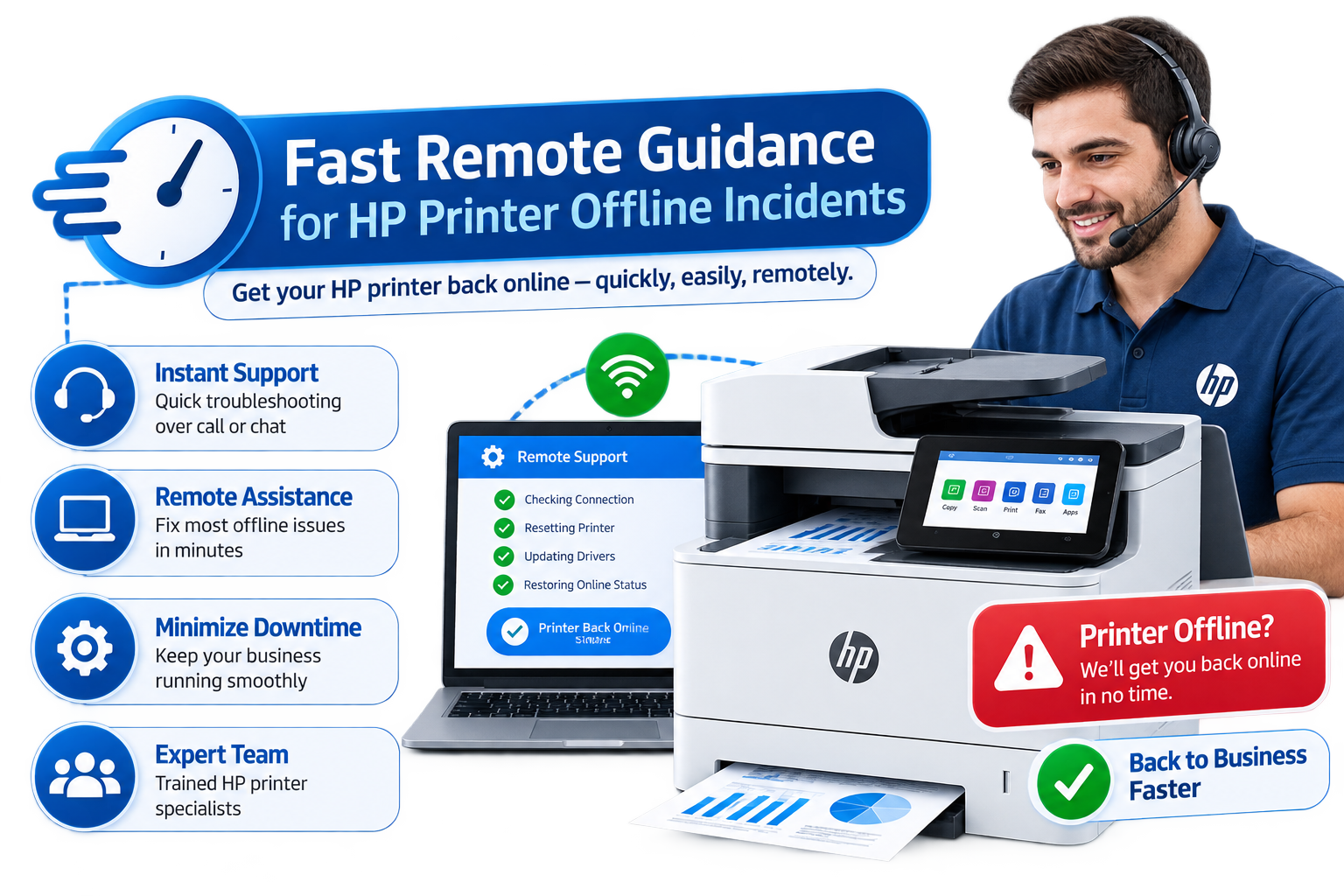
Fast Remote Guidance for HP Printer Offline Incidents
For eligible business and managed-printer customers, chat is the primary fast communication method. Phone can also be used when appropriate.
- Confirm the correct HP printer is selected
- Check whether the printer is visible on the company network
- Review current print queue status
- Confirm printer and default-printer status
- Check for duplicate printer instances
- Determine whether one or multiple employees are affected
- Refresh printer or workstation communication where appropriate
Why HP Printer Offline Problems Matter to Businesses
A single offline incident may last only a few minutes. Repeated across departments and locations, those minutes can become significant lost business time.
Employee Downtime
Employees pause productive work while trying to regain printer access.
Document Delays
Invoices, purchase orders, contracts and internal documents can be held up.
IT Interruptions
Internal IT teams get pulled away from broader technology responsibilities.
HP Printer Offline Across Multiple Computers?
If several employees suddenly see the same HP printer offline, the issue may exist in the shared printer environment rather than on one workstation.
We help determine whether the incident affects one user, one department, one device, multiple printers or an entire office location.
Why Does My HP Printer Keep Going Offline?
Repeated incidents can indicate a recurring pattern involving network communication, device addressing, print queues, shared printer settings, workstation connections or device availability.
A managed approach looks beyond the immediate incident and helps identify repeated patterns.
Managed HP Printer Fleet Services
One structured approach for the wider operational needs of your HP printer environment.
Fleet Visibility
Know which HP printers are operating across the business and where they are located.
Device Organization
Create structured device records by office, floor, department or location.
Printer Availability
Reduce situations where employees discover a printer is unavailable when urgently needed.
Consumables Planning
Maintain better visibility of toner and consumable requirements.
Usage Awareness
Understand which printers are heavily used and which may be underutilized.
Downtime Reduction
Identify recurring interruptions and reduce their effect on daily operations.
Remote Resolution
Address many common printer situations remotely without unnecessary site visits.
Centralized Management
Create a clearer printer-management process across multiple business locations.
Business User Guidance
Give employees clear instructions when common printer situations occur.
Reduce Printer-Related Work for Your Internal IT Team
Your IT team should be able to focus on strategic technology responsibilities rather than repeated printer requests. A managed process gives employees a clearer route for everyday printer requirements.
- Clear route for printer-related requests
- Priority handling for offline incidents
- Remote business-user guidance
- Better device and consumables visibility
- Consistent processes across locations

One HP Printer Environment Across Multiple Locations
Your company may operate headquarters, regional branches, warehouses, distribution centres, sales offices, administrative locations or satellite offices.
A centralized approach makes it easier to understand which printers are deployed, where they are located and where recurring downtime occurs.
Business continuity depends on everyday systems working.
- Invoices and finance documents
- Contracts and HR documentation
- Dispatch and delivery paperwork
- Warehouse documentation
- Compliance and operational forms
HP Managed Printer Services for Every Business Scale
Small Businesses
Keep several HP printers organized without requiring office staff to become printer specialists.
Medium-Sized Companies
Create structure as teams grow, device numbers increase and office space expands.
Large Enterprises
Coordinate larger HP fleets across floors, buildings, branches and corporate locations.
Common HP Printer Situations We Help Businesses Manage
- An HP printer suddenly shows offline
- Employees cannot access a shared printer
- A print queue stops progressing
- A printer repeatedly becomes unavailable
- Several employees lose access to the same device
- A printer disappears from the network
- Toner requirements become difficult to coordinate
- Different offices use inconsistent printer processes
Who This Service Is For
Organizations already operating multiple HP printers, multi-department companies, multi-location businesses, IT-managed workplaces and enterprises that want better printer fleet control.
Who It Is Not For
This service is not designed for residential, home-printer or individual retail customers.
Frequently Asked Questions
What are HP Managed Printer Services?
A structured business service for managing multiple HP printers across the workplace, including fleet visibility, printer availability, consumables coordination, downtime reduction, remote guidance and centralized management.
Is this service for residential HP printer users?
No. The service is focused on business environments and organizations operating HP printer fleets.
Can you manage HP printers our company already owns?
Yes. The primary focus is helping businesses manage existing HP printer environments.
Can you manage HP printers across multiple locations?
Yes. The service can be structured for organizations operating printers across branches, offices, warehouses and other business sites.
Why does an HP printer show offline?
An HP printer may appear offline because of temporary communication changes, queue status, printer selection, duplicate printer entries or other connection conditions.
Is an HP printer offline message always a hardware problem?
No. The printer may physically be operating normally while communication between the device, workstation or network is interrupted.
Can an HP printer offline incident be addressed remotely?
Many common offline situations can be addressed through remote checks of printer status, network visibility, print queues and device configuration.
Do HP printer offline requests receive priority?
Yes. Eligible business and managed-printer customers receive priority attention because offline incidents can directly interrupt business operations.
Take Control of Your HP Printer Fleet
Create a more structured approach to HP printer fleet management, device availability, downtime reduction, consumables coordination and multi-office printer operations.
For Business Customers Only.
HP Printer Offline? Contact our business team for priority assistance.